THE PLAYBOOK · G8MM7JKU6
The essentials of playing Chess Online
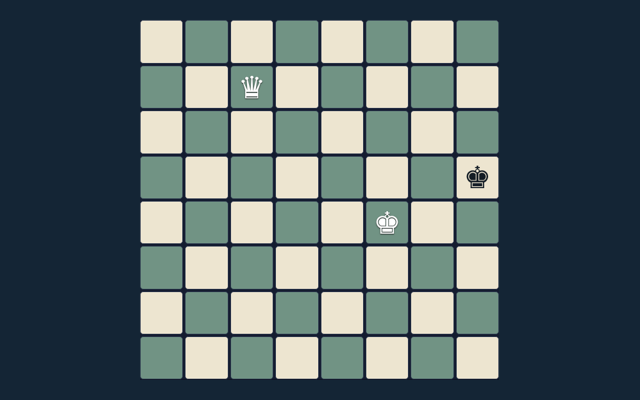
Read the aim of Chess Online, then make your first move. Checkmate the opposing king. Check the relevant rule before repeating a move. Read the objective before making your first input. Check the relevant rule before repeating a move.
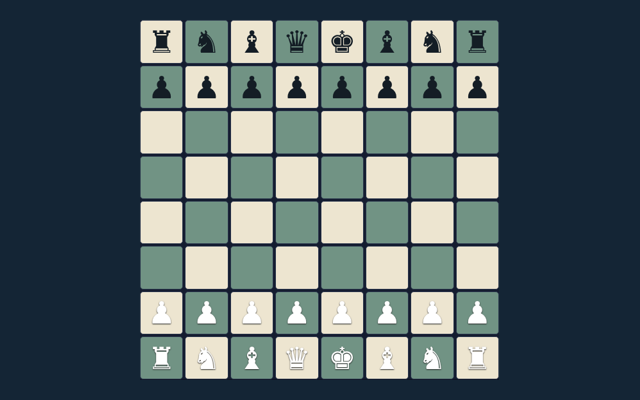
Play on one device with a friend or against the basic computer opponent. Repetition and the fifty-move rule trigger an automatic draw here; there is no internet matchmaking or tournament clock.
An idea for your next attempt
Locate the buttons and input area before beginning a long round. Use the on-screen labels to avoid an accidental restart. Notice the feedback after each input.
The purpose of your moves
Checkmate the opposing king. The feedback beside the game helps you follow the round. Start with a deliberate move.
A walkthrough of the rules
- Select local play or basic computer.
- Choose a piece and a legal target.
- Castling, en passant and promotion obey king-safety rules.
- Use the promotion selector before moving to the last rank.
- Undo or New game restarts play.
Getting comfortable with the controls
Tap a piece and target; choose a promotion piece when needed. Use the control method described here for this activity. Check any mode label before starting.
An example to follow
Castling cannot pass through an attacked square. Compare this with the rule that governs the move. Consider the next action carefully.
Keep this in mind
The computer is a small search opponent, not a rated engine. Compare the situation with the worked example. Watch the feedback after an action. A message can explain whether the input was accepted or whether a rule needs attention.
Helpful answers for players
For this browser game, what is the goal of Chess Online?
For clarity: Checkmate the opposing king.
For a quick reminder, how do I control Chess Online?
Tap a piece and target; choose a promotion piece when needed.
When I return, what example helps explain Chess Online?
The key detail is this: Castling cannot pass through an attacked square.
For my first round, what should I watch out for in Chess Online?
Keep this in mind: The computer is a small search opponent, not a rated engine.
While learning, what format does Chess Online offer?
The key detail is this: Play on one device with a friend or against the basic computer opponent. Repetition and the fifty-move rule trigger an automatic draw here; there is no internet matchmaking or tournament clock.
When I return, which play mode does Chess Online use?
Here is the relevant explanation: The mode on this page is Local / basic computer. Same-device play uses one screen; this game library does not provide internet matchmaking.